Off-grid messaging, and the tools to run the network.
NOTORYX is a family of apps for MeshCore and Meshtastic® LoRa radios: phone and desktop apps for messaging, check-ins and SOS, a station for the people who keep the mesh running, and a moderation console that keeps spam in check.
NOTORYX Forge: program and flash radios with no internet
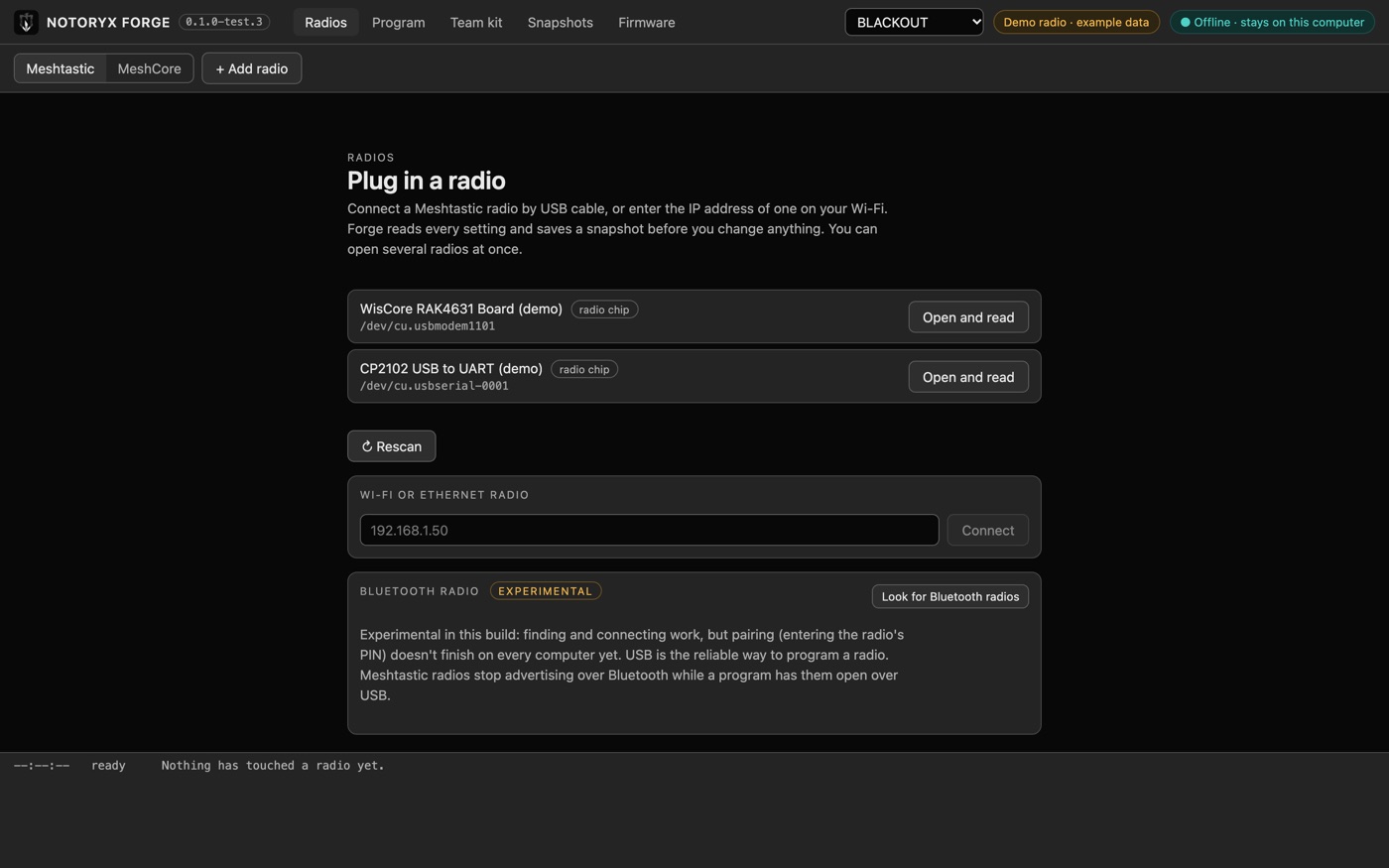
A desktop app for setting up Meshtastic and MeshCore radios at the bench or in the field. Plug a radio in over USB, or point Forge at its IP address, and change any setting without a web page, an account or a cloud service. The firmware for every board comes with it, so you can flash a radio where there's no signal at all.
Every change checked twice
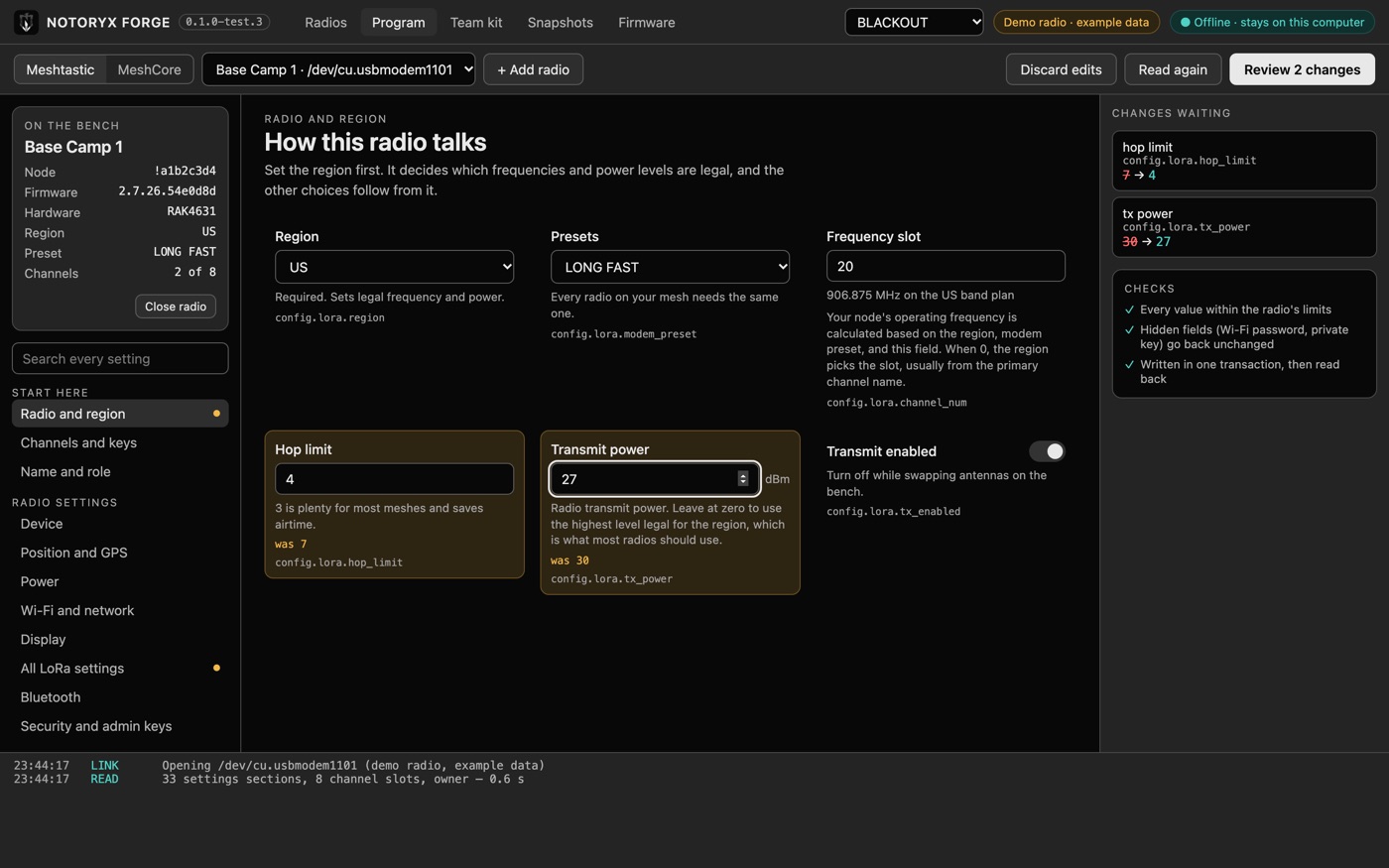
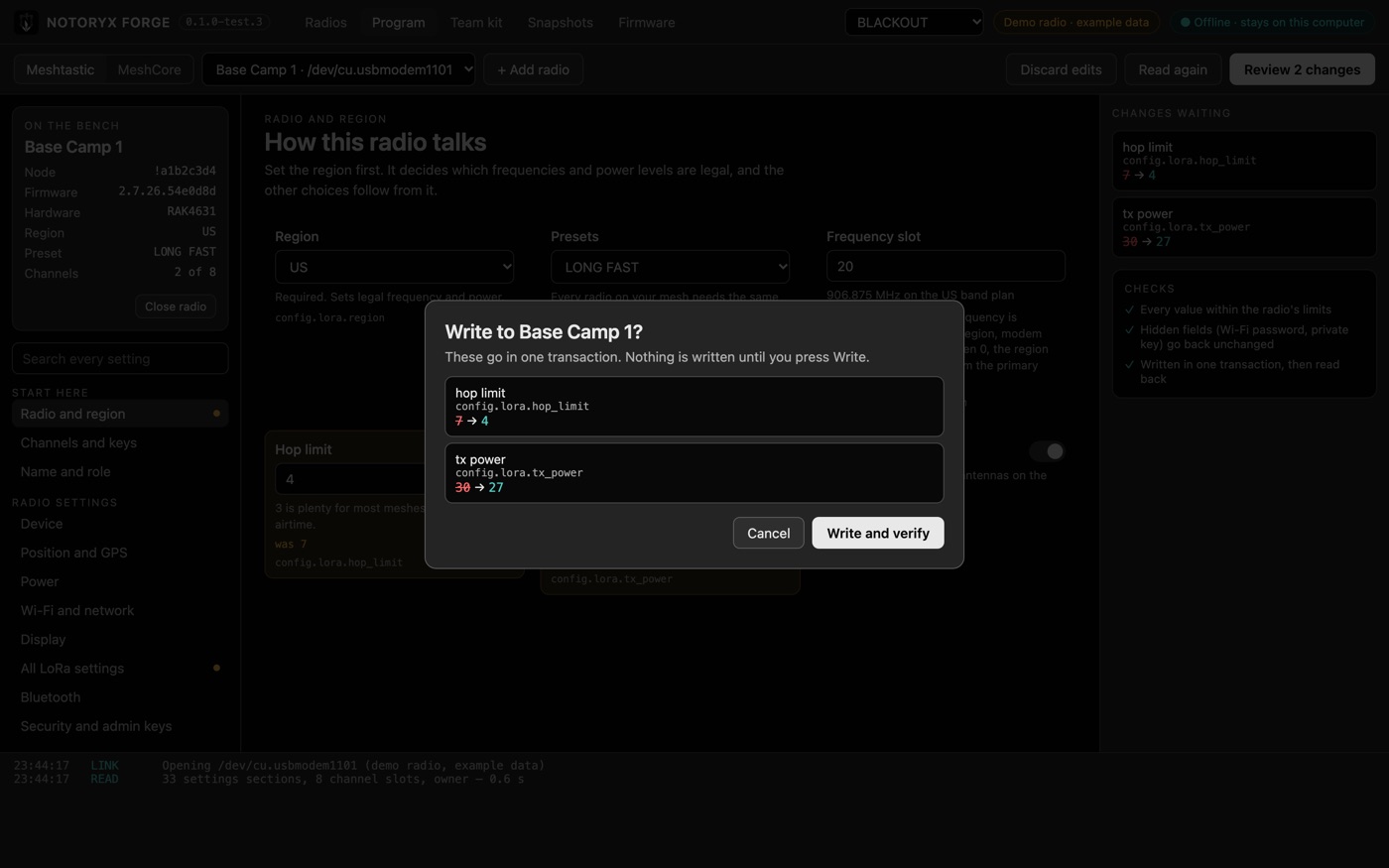
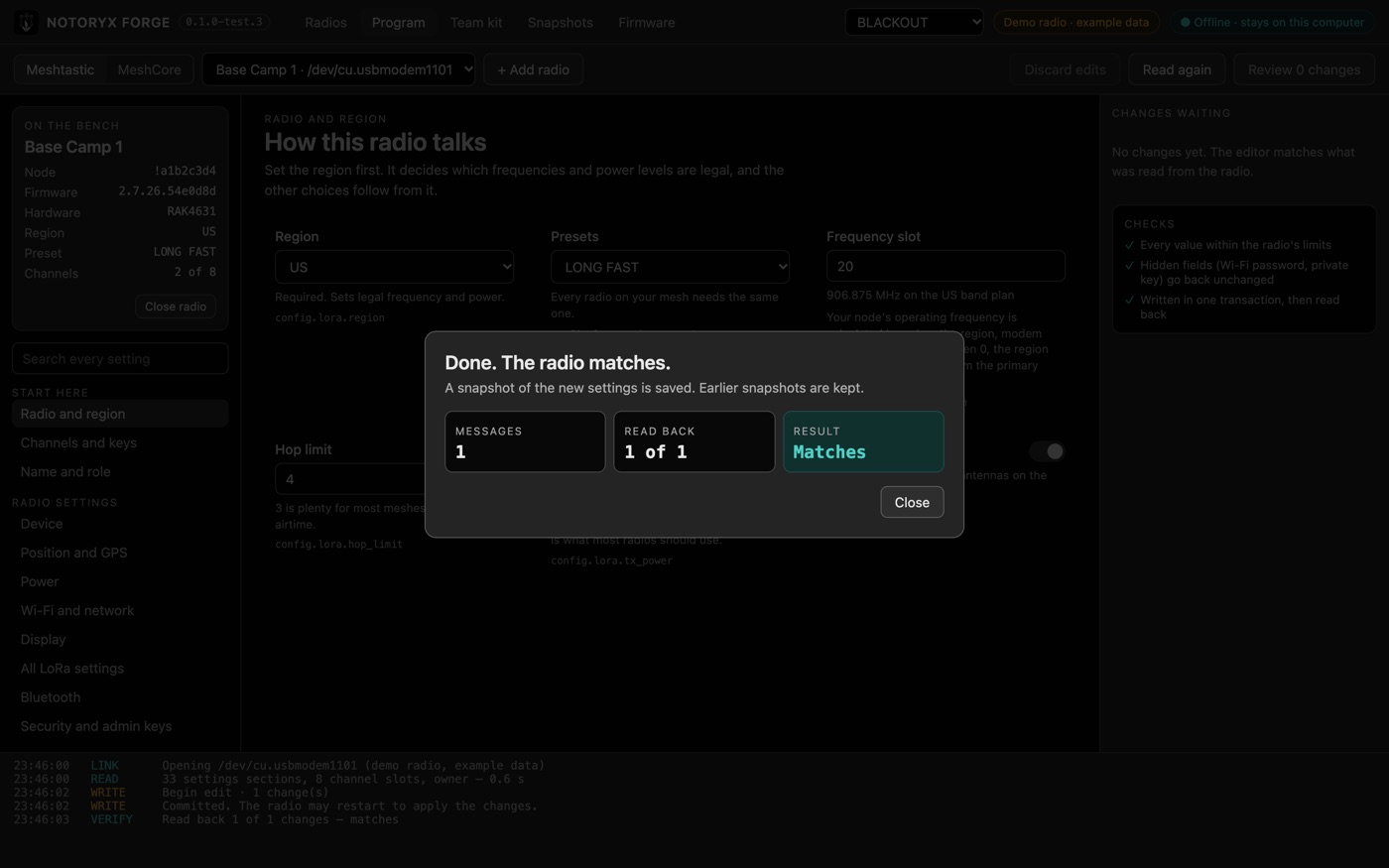
Read, edit, review, write, verify. Forge reads every setting from the radio first and saves a snapshot. Changed fields are highlighted with their old values, and nothing is written until you've seen a list of exactly what will change. Afterwards Forge reads the radio back and tells you whether it really kept the new settings.
Nothing gets lost. Hidden values such as the Wi-Fi password and the radio's private key go back untouched, and settings newer than Forge knows about survive the round trip.
Undo with snapshots. Every read is kept, so you can compare two snapshots or put a radio back the way it was.
A whole team at once
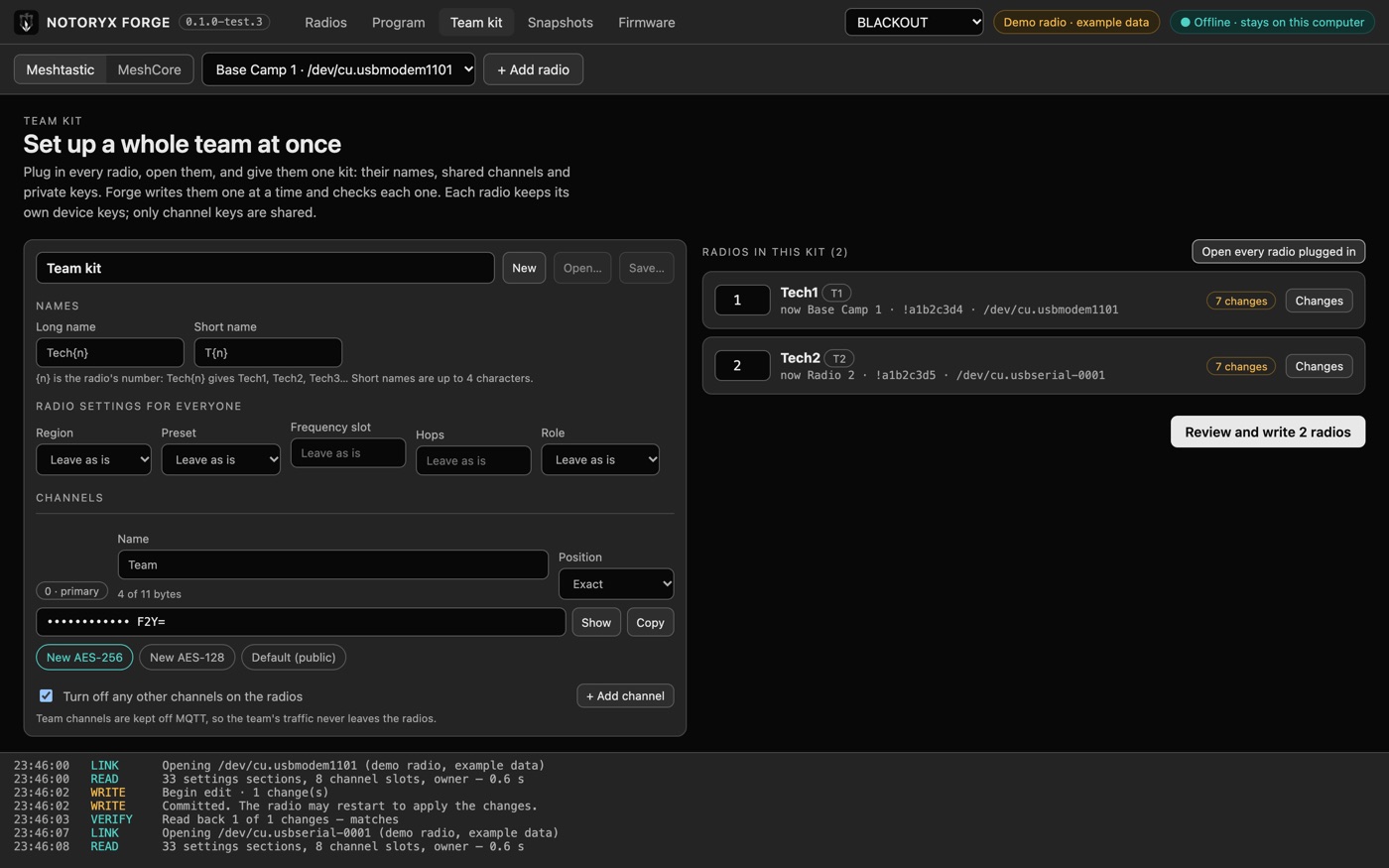
Team kit. Plug in five radios, choose a name pattern such as Tech1 to Tech5, and Forge gives them the same channels with freshly made AES-256 keys and the same radio settings. All five are programmed side by side, each with its own review and read-back, and you get a result for every radio.
Channel keys are shared across the team; each radio keeps its own identity key, so direct messages keep working. Save the kit to add a replacement radio later.
Firmware ready offline
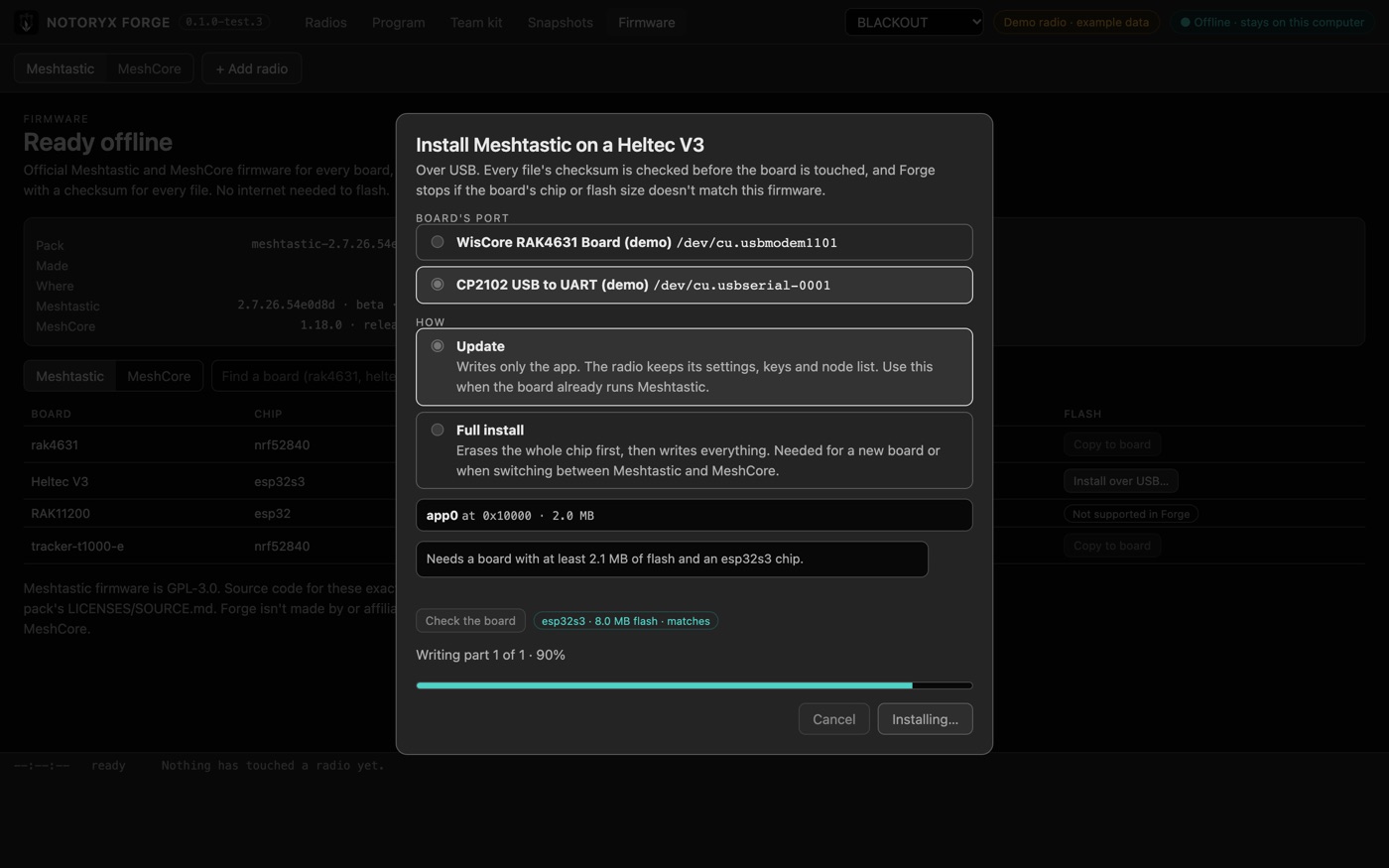
Ships with the latest Meshtastic Beta and the latest MeshCore release (companion, repeater and room server) for every supported board, with a checksum for every file.
When you're online, Forge can fetch newer firmware for next time. On a computer that's never online, import a firmware pack from a USB stick.
NOTORYX Forge screenshots
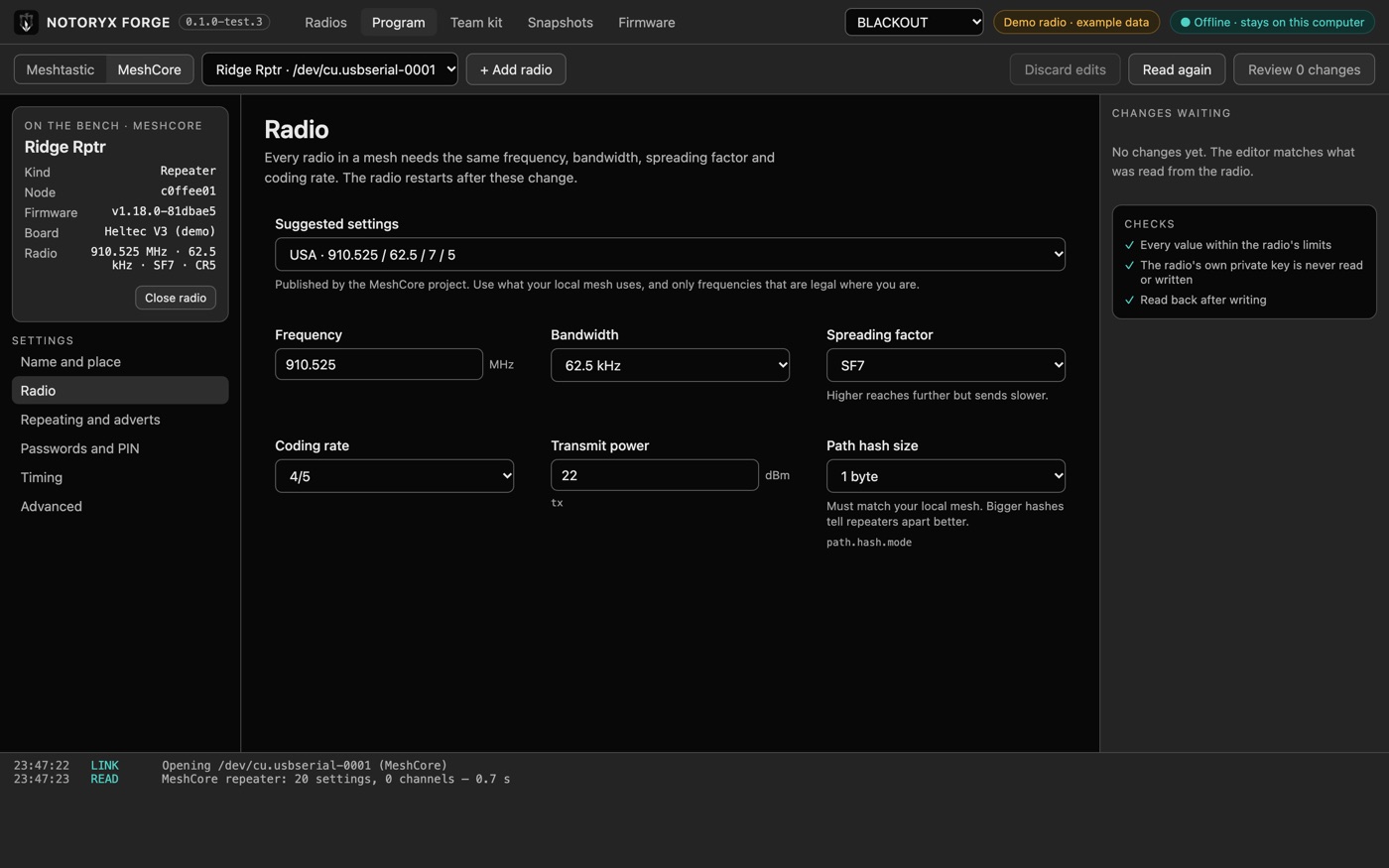
Find radios on USB, Wi-Fi or BluetoothEdit every setting; changed fields show their old valuesReview exactly what will change before writingRead back after every write to prove the radio kept itTeam kit: shared channels and new keys for several radiosESP32 flashing with checksum, chip and flash-size checksMeshCore repeater settings with suggested radio presetsSnapshots of every read, kept on this computer
Run the network
NOTORYX Ops and Sentinel
Tools for the people who run repeaters and look after a mesh, and for keeping it free of spam.
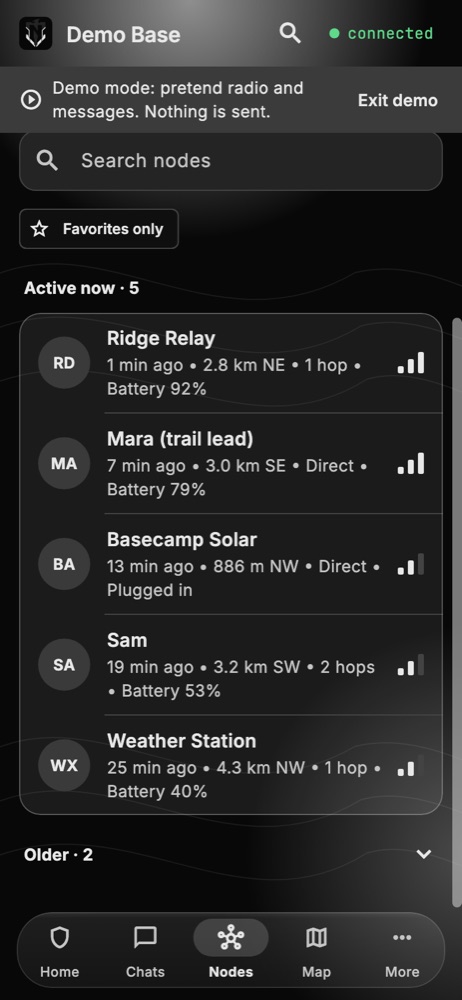
Meshtastic messaging and field toolsBuilt for Meshtastic radios
Meshtastic
Android, macOS, Windows
New in every NOTORYX messaging app
SARNEG: numbers as letters, the way field teams already do it
SARNEG (Search And Rescue Numerical Encryption Grid) is a simple code that search-and-rescue, military and outdoor teams have used for years on handheld radios. Anyone with a scanner can hear a walkie-talkie, so teams don't read grid references, frequencies or meeting times out loud as digits. They swap each digit for a letter of a code word everyone agreed on before the trip.
Why we added it
Mesh channels get overheard too. A public channel can be read by every radio in range, and a private channel's key tends to travel further than you'd like once it's been shared around. Some numbers shouldn't be in plain sight: where a lost hiker was last seen, where the team will meet, or which frequency you're moving to.
Teams already know it. SARNEG is already familiar to many search-and-rescue and outdoor teams. Now the same word works on the mesh, with no new procedure to learn.
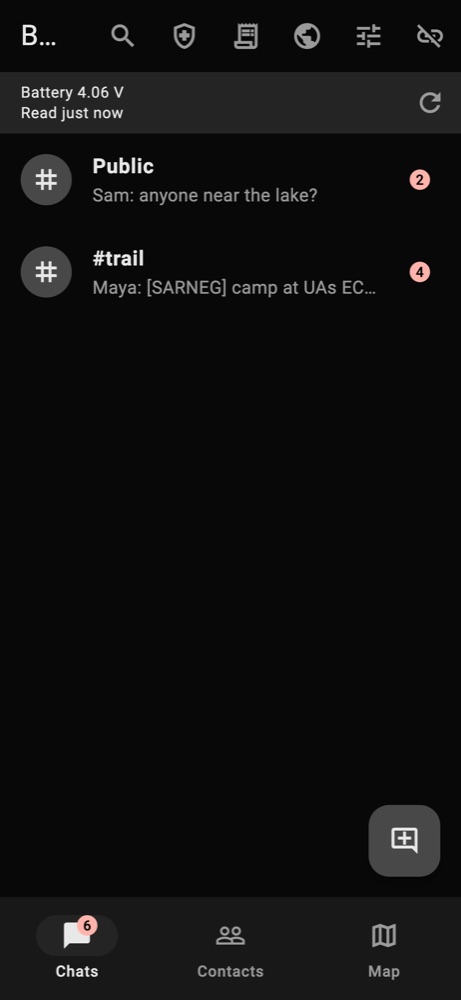
Every app reads it. NOTORYX Core, Independent, PRO and Connect all use the same message format and the same code-word QR code. A team can mix MeshCore and Meshtastic apps, and NOTORYX Ops decodes it on its Channels page. A coded message is plain text, so a phone without NOTORYX still shows it, just not decoded.
How it works
Pick a 10-letter word with no repeated letter, for example BLACKHORSE. The first letter stands for 0, the next for 1, and so on: B=0, L=1, A=2, C=3, K=4, H=5, O=6, R=7, S=8, E=9.
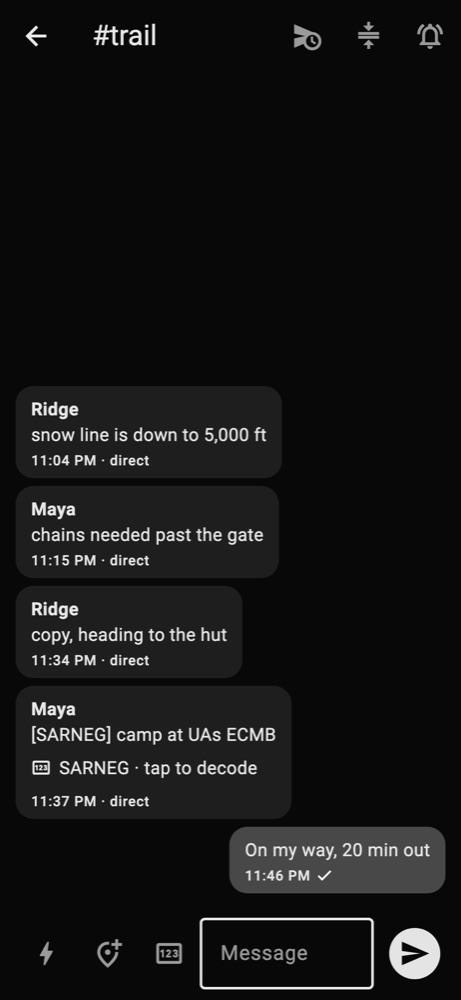
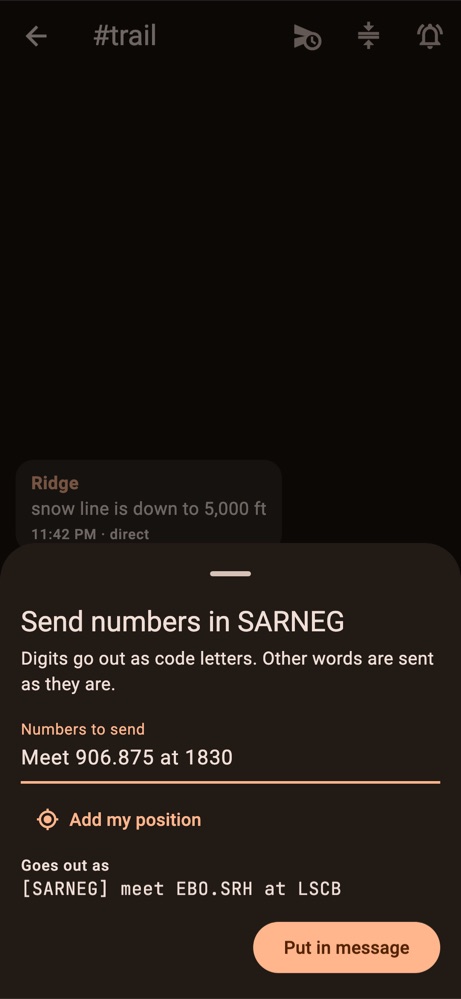
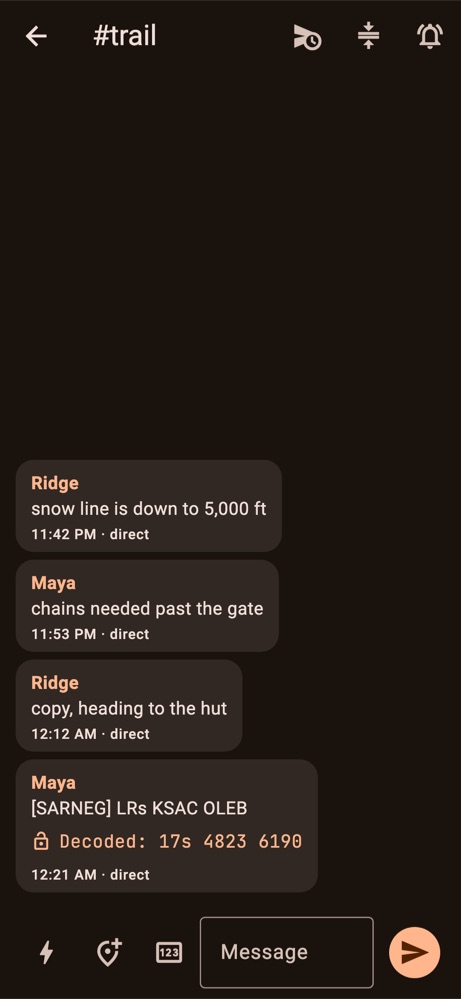
Send: tap the SARNEG button next to the message box and type the numbers. The app shows what will go out and puts it in the message box; nothing is sent until you press Send. With BLACKHORSE, the grid "17S 4823" goes out as [SARNEG] LRs KSAC. Digits become capital letters and every other letter is sent in lower case, so the two can't be confused.
Receive: a message that starts with [SARNEG] gets a "tap to decode" line, decoded on your phone with your word.
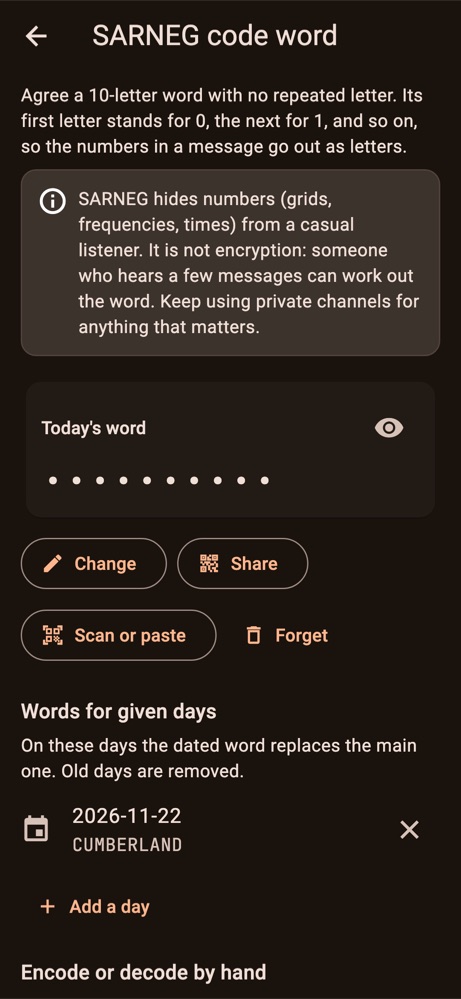
Share the word face to face as a QR code or as text, and add a different word for given days. A message is always decoded with the word for the day it was sent.
What it isn't
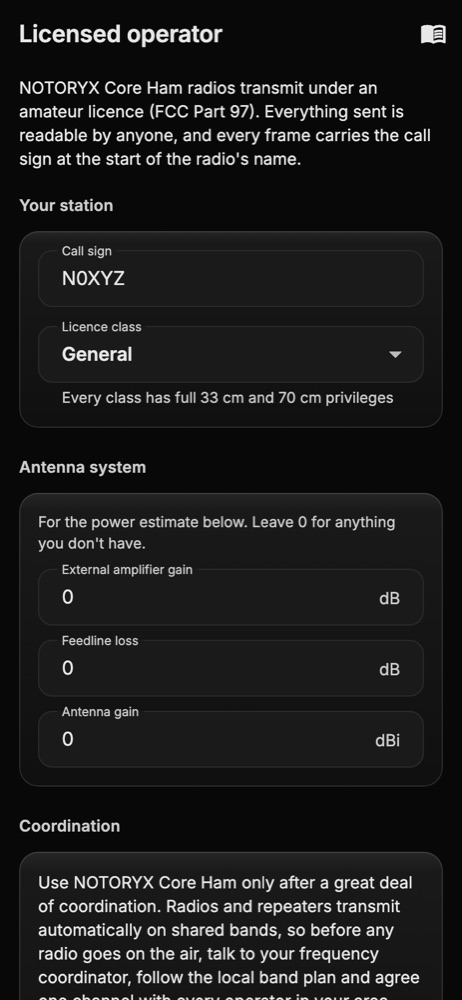
Not in NOTORYX Core Ham. Core Ham transmits on amateur bands, where FCC rules (§97.113(a)(4)) forbid messages encoded to hide their meaning. Hiding numbers is the whole point of SARNEG, so Core Ham leaves it out and sends everything in plain text, as ham rules require. If your team needs SARNEG, use NOTORYX Core on licence-free settings.
SARNEG is not encryption. Someone who hears a few coded messages can work out the word. It keeps numbers away from a casual listener, nothing more. For anything that really matters, use a private channel and change the word often.
SARNEG in NOTORYX Independent
Set and share the code wordNumbers to letters before you sendTap to decode a received message
NOTORYX Ops explained
A control room for your MeshCore network
NOTORYX Ops is a station: a small computer with a MeshCore radio attached that listens to the mesh around the clock and shows everything in a web dashboard. It's for people who run repeaters or look after a local mesh, not for everyday chat.
Two sides
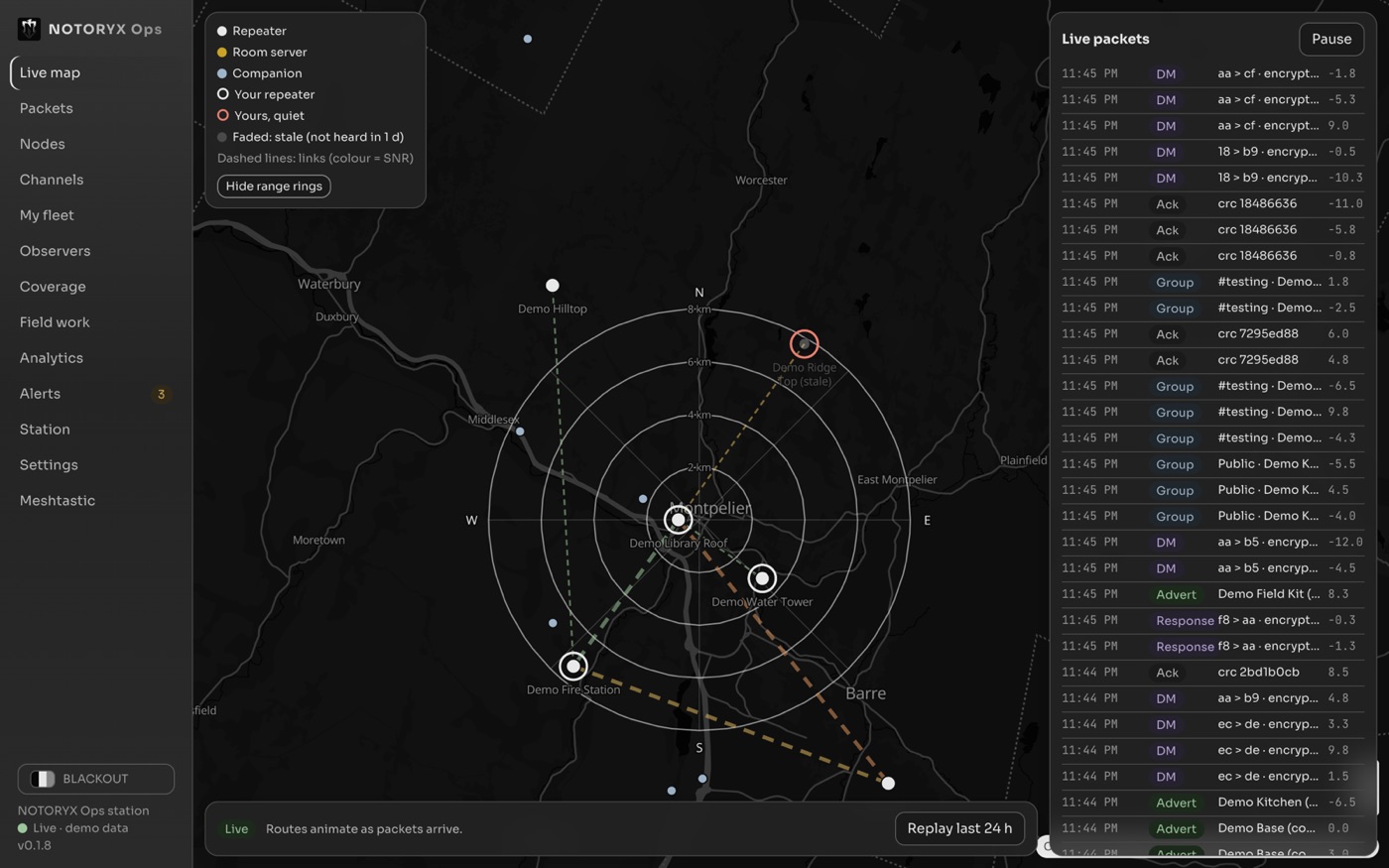
Analyzer: what's happening on the mesh. It decodes every packet that your station radio hears, plus packets from other observer radios that publish to an MQTT broker. You get a live map of nodes, links and the routes packets take, with a replay of the last 24 hours. There's also a packet feed with a full decoder, channel messages for channels you hold keys for, coverage hexes and an activity heatmap. A grid of the 256 one-byte prefixes shows clashes and free ones.
Fleet: how your repeaters are doing. Add the repeaters you own with their admin password. Ops logs in on a schedule and keeps a history of battery, noise floor, airtime, uptime, neighbours and firmware.
Alerts and bulk changes
Ops raises an alert when a repeater goes quiet or its battery is low or falling. It also alerts when a repeater's firmware is behind the version you expect, or two repeaters share a prefix. Alerts go to Discord, to a webhook, or both, and clear on their own when the problem is gone.
Bulk settings change one setting on several repeaters. Ops reads each repeater's current value first, shows you what would change and only sends after you confirm.
Planning and field work
Terrain planning. A coverage map around any spot, a link profile between two points with line of sight and a signal budget, and suggestions for where a new relay would add the most area. Elevation comes from free Copernicus data, and predictions can be tuned against links the station has actually heard.
Field work. Hazard reports (flooded road, fallen tree, power line down) go out as plain channel messages any MeshCore app can read. Teams get their own private channels with position tracks, and a phone survey mode keeps working with no signal.
Integrations. Optional accounts with viewer, operator and admin roles, GeoJSON and GPX exports, Prometheus metrics, a read-only public map (off by default), Home Assistant sensors and a PostgreSQL archive.
Meshtastic add-on
An optional, separate download gives the station its own Meshtastic radio, remote admin of other Meshtastic nodes over the air, settings templates with compliance checks, and a channel bridge between Meshtastic and MeshCore. It's GPL-3.0; Ops itself stays MIT and works without it.
Airtime and security
Every fleet check goes over the air. By default each repeater is polled every 30 minutes, 20 seconds apart, firmware once a day and neighbours every 6 hours. On a busy mesh, poll less often.
Admin passwords and channel keys stay on the station. Without an admin token or an operator account, changes are only accepted from the station computer itself. Unless you create accounts, the dashboard has no login for reading, so keep it on your own network.
NOTORYX Sentinel explained
Spam reports, decided by people
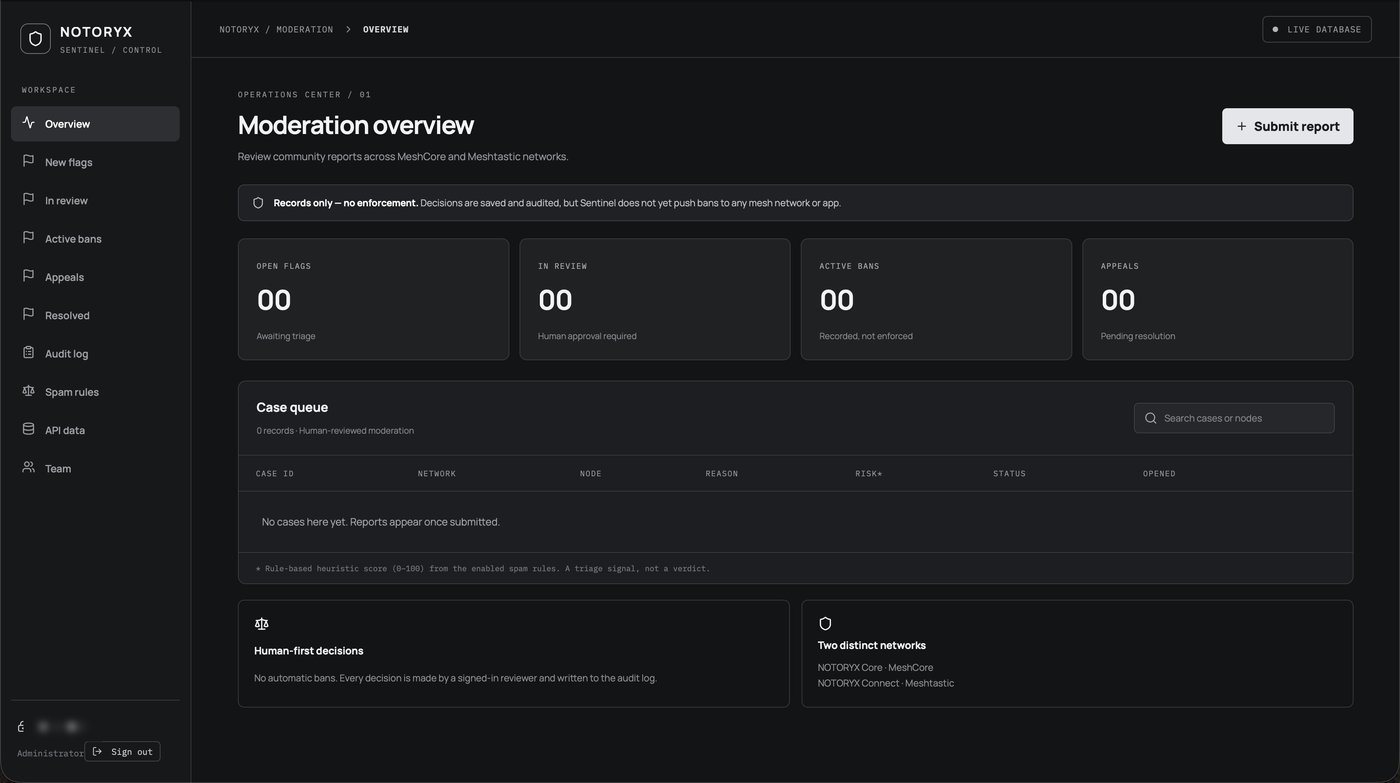
Sentinel is the moderation console behind the "Report" button in the NOTORYX apps. You never install it. If you turn on community moderation in your app, you can report spam and see which senders reviewers have flagged.
Off until you turn it on. While community moderation is off, your app never contacts Sentinel.
A report sends very little. It sends the reported node's ID and name, a reason, an optional note and, if you leave it ticked, the one message you're reporting (280 characters at most). It never sends your name, node ID or location.
People decide. A rule-based score helps reviewers sort reports. An AI suggestion can be asked for, but it's advisory only. Every ban needs a person to approve it, and every action goes into an audit log that can't be edited.
Flags, not blocks. Apps show a "Flagged" label on approved bans. Hiding flagged senders is a separate opt-in you can turn off again. Sentinel can't block a radio from any mesh.
Appeals. If your own node is flagged, you can appeal from inside the app.
NOTORYX PRO explained
Both meshes, one app
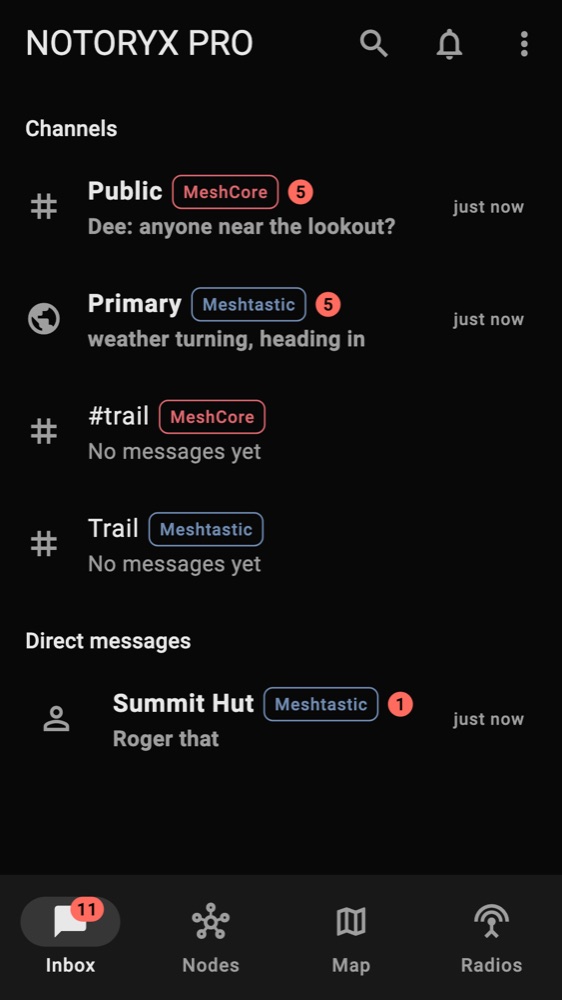
NOTORYX PRO talks to MeshCore radios and Meshtastic radios at the same time, so you don't need two apps to keep up with two networks.
What it does
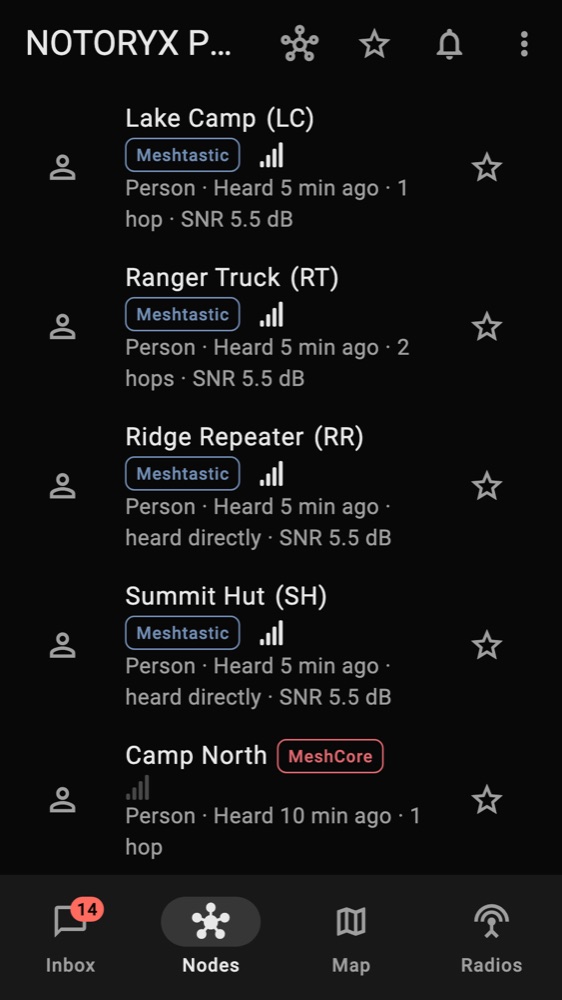
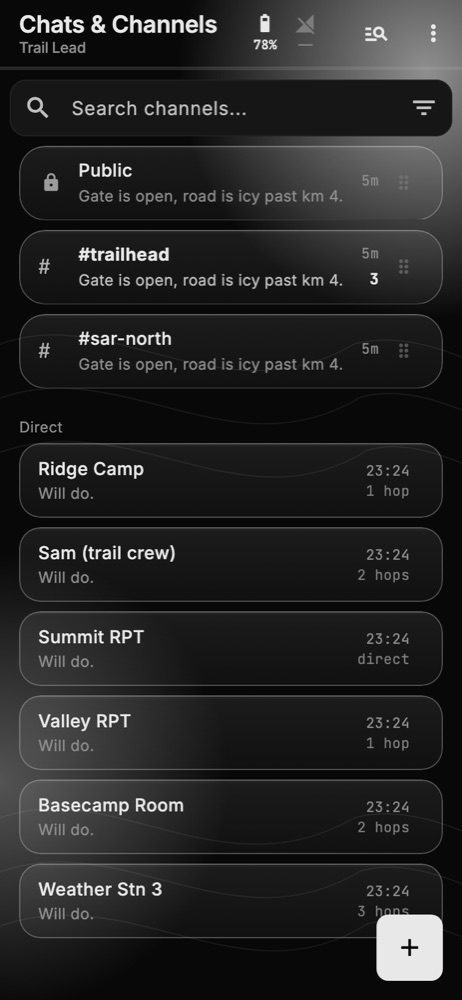
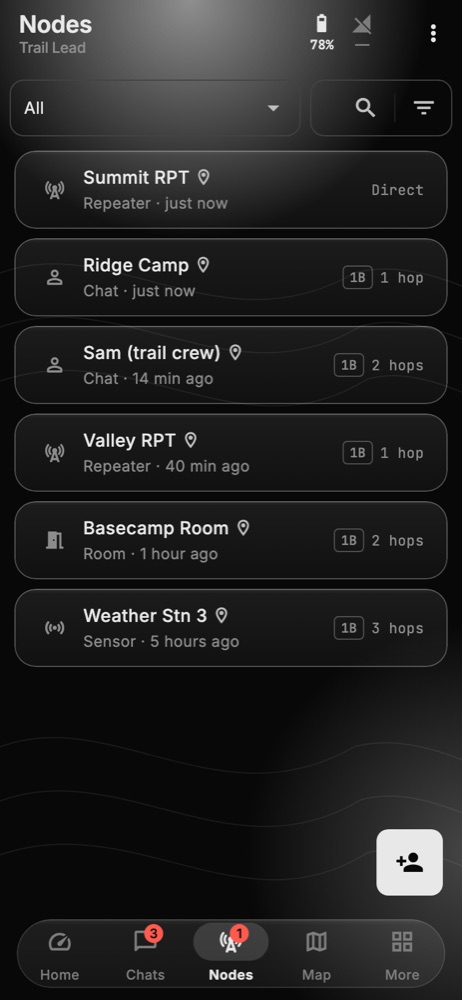
One inbox, one map, one node list. Messages, nodes and positions from both meshes in one place, each marked with the mesh it came from. MeshCore is shown in red and Meshtastic in blue.
Several radios at once. Connect a MeshCore radio and a Meshtastic radio together, or more than one of each, over Bluetooth, USB (Android) or Wi-Fi.
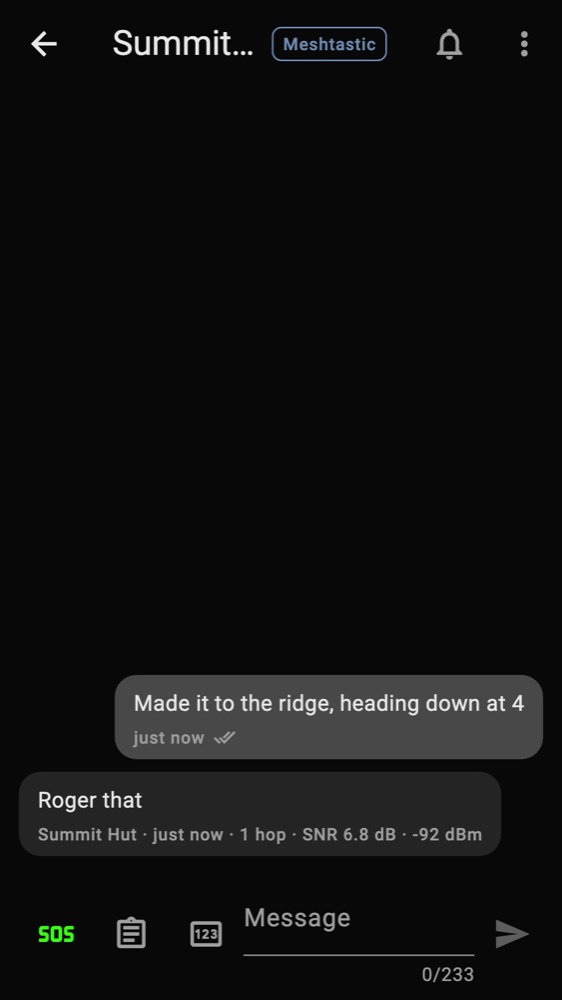
Each message stays on its own mesh. MeshCore messages go out over MeshCore and Meshtastic messages over Meshtastic. Channel bridging between the two is optional and you set it up per channel.
Diagnostics. Packet log, radio readings, trace route, line of sight with terrain and Fresnel zone, a network diagram and telemetry history.
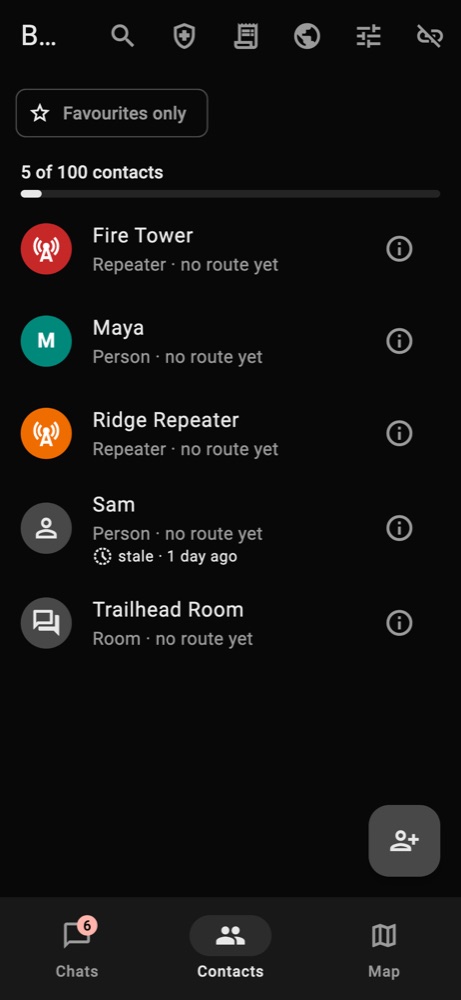
Map. A live Traffic map that draws heard packets hop by hop, range rings around you, a stale badge for nodes that have gone quiet, and a compass that points to any node.
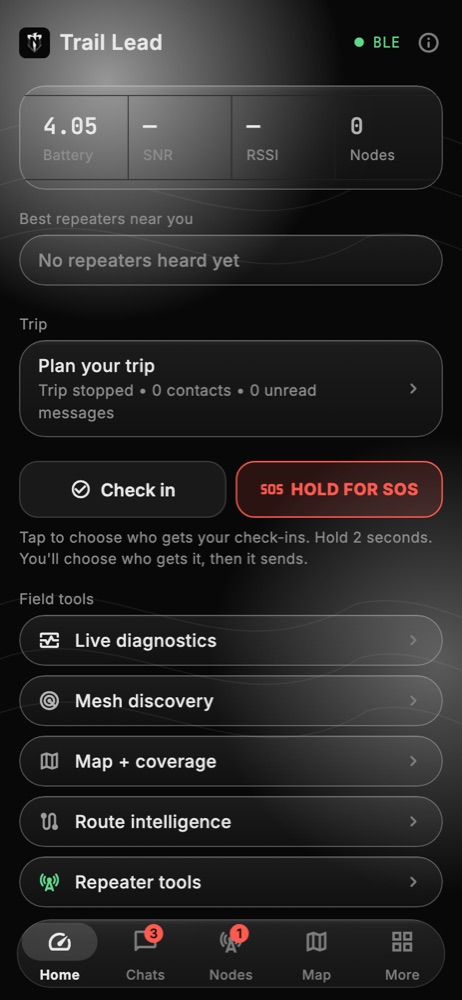
Safety tools. MECP emergency messages, MAYDAY that gets through mute, a distress beacon and field reports.
Admin. Radio settings and remote admin for both meshes, plus MeshCore repeater and room server admin.
Who it's for
People who carry or run both kinds of radio, and anyone who wants deeper diagnostics than an everyday chat app shows. If you only use one mesh, NOTORYX Core (MeshCore) or NOTORYX Connect (Meshtastic) is simpler.
How it fits together
What talks to what
Messaging never needs the internet. The internet only comes in for optional extras.
Your radioA LoRa radio running MeshCore companion firmware or Meshtastic firmware. It does the talking over the air.
Your NOTORYX appCore, Independent, Core Ham, Connect or PRO on your phone or computer, linked to your radio by Bluetooth, USB or Wi-Fi.
The meshOther people's radios and repeaters pass your messages along, hop by hop, with no internet and no cell signal.
NOTORYX Ops (optional)A station on a Pi or Mac with its own radio. It watches the mesh and looks after the repeaters you own.
NOTORYX Sentinel (optional, internet)If you turn on community moderation, reports go over the internet through a relay to Sentinel, and your app reads back the flagged list.